
Your AI video planning studio

Shape the shot.
Build the story.

Give your next idea a little direction. Write a structured video prompt, plan the movement, and connect the shots before you generate.

  • No sign-up
  • Free browser tools
  • Text & shot plans

Start with one scene.
Make every direction count.

Explore a scene
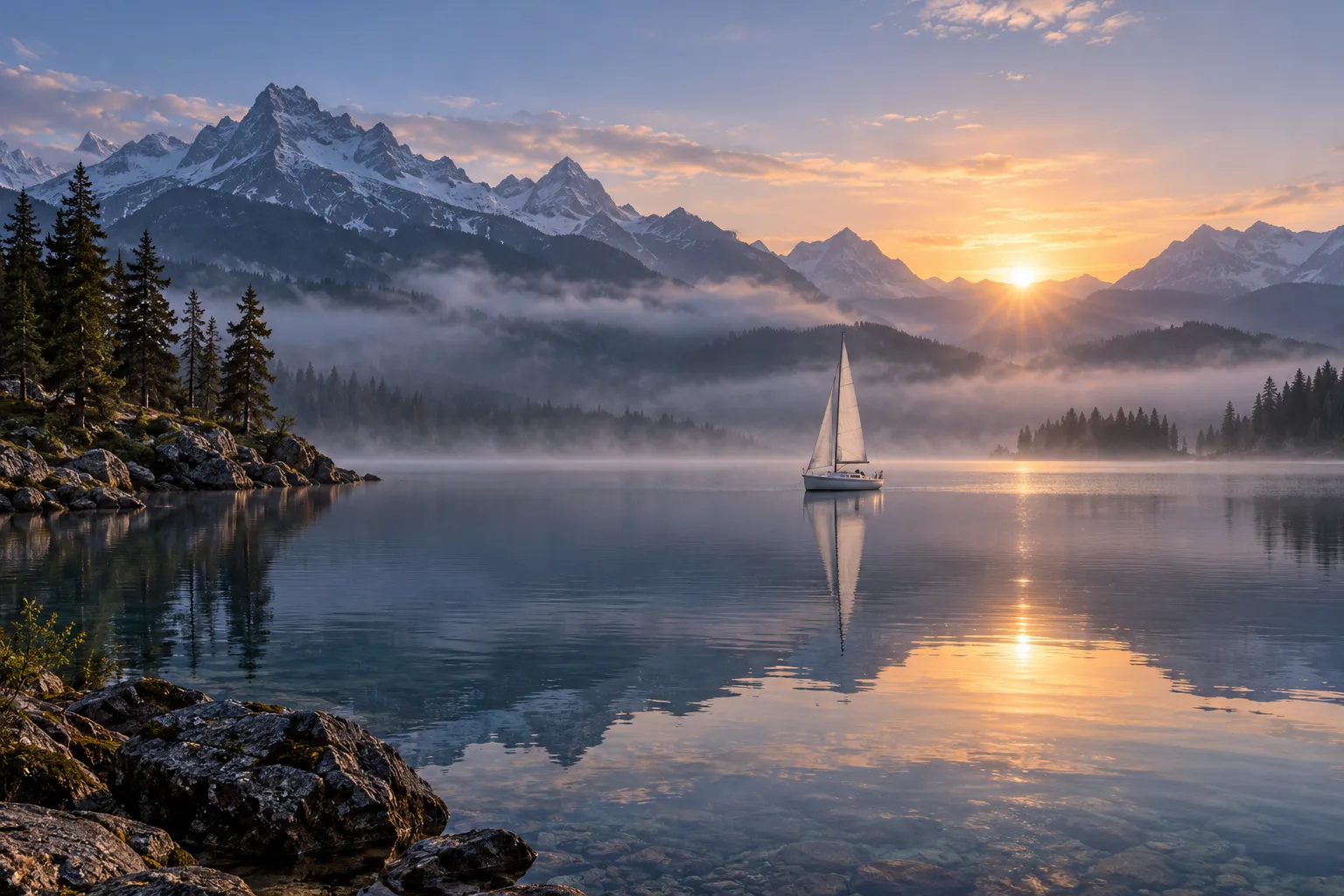
Concept artwork of a sailboat on a misty lake at sunrise, with violet and warm light
AI-generated concept artwork · motion planned separately
Editable prompt previewText-to-video

A quiet start. A clear direction.

Scene & action
A small sailboat glides across a still lake at sunrise, leaving a gentle wake.
Camera
A smooth tracking shot follows the subject
Open this starter

2Free planning tools
24Editable prompt starters
3–6Shots in a storyboard

Plan here.
Generate in the video tool you choose.

Small tools. More possibilities.

Your idea, with a plan.

From a single motion prompt to a connected sequence. Choose the starting point that fits your project.

01 / PROMPT GENERATOR

Find the words
for the shot.

Bring the scene, action, and camera together in a structured prompt. Keep the settings separate and the creative direction clear.

SceneA sailboat glides across a still lake.
MotionThin mist drifts above the water.
CameraA smooth tracking shot follows.
Try the prompt generator
02 / IMAGE MOTION

A still image.
A little movement.

Write motion around your reference. Preview an image locally while planning what moves and what stays still.

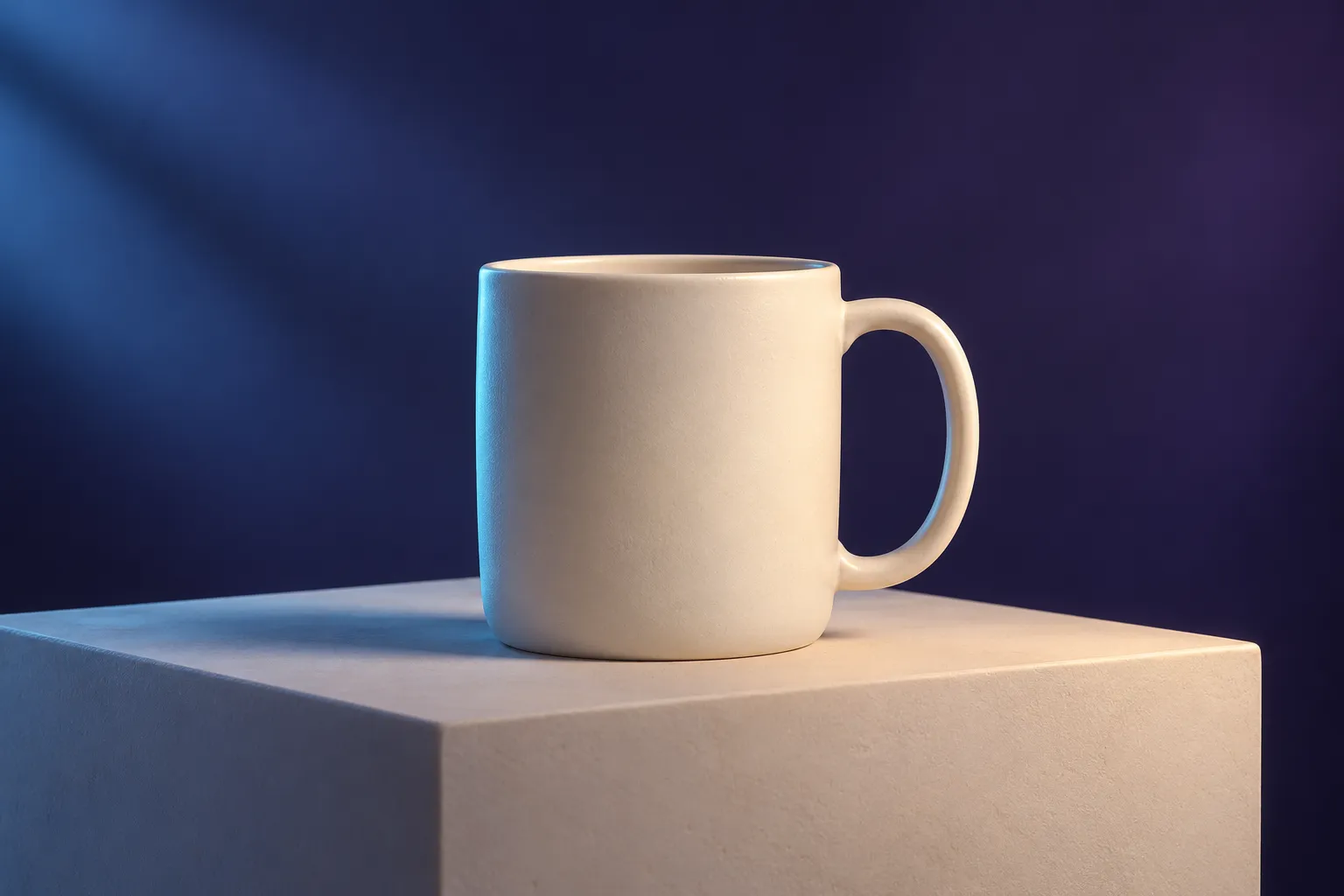
Cream mug concept artwork used as an example for planning a slow camera approach
Concept artwork · a starting point for motion planning
Plan image-to-video motion
03 / STORYBOARD BUILDER

Give every shot
a reason to be there.

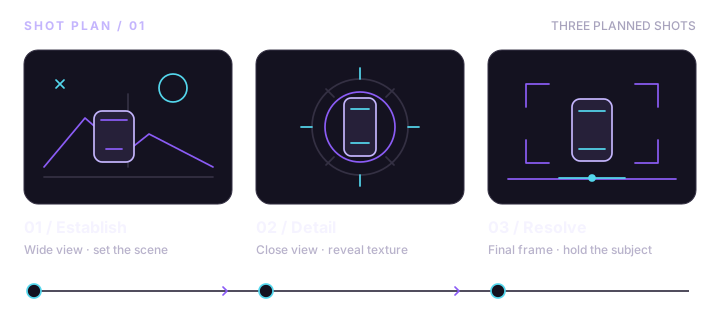
Build 3–6 editable shot cards with shared continuity notes, focused actions, and camera direction. Copy or export the plan.

Three-shot storyboard plan: establish the scene, show a detail, and resolve the sequenceBuild your storyboard

DreamForge creates text prompts and shot plans. Image previews stay in your browser; video generation happens in your chosen provider.

Skip the blank page

Pick a scene. Make it yours.

Explore all 24 starters
Concept artwork of a cream ceramic mug in a violet and cyan studio setting
Image-to-video

Product photo push-in

Use a product photo in your video tool, then edit this restrained camera movement. An optional preview here stays local.

Customize this prompt

Artwork illustrates the scene concepts. The starters are editable writing examples, with no generated video results.

From the first idea to the next cut

A simple creative rhythm.

Decide what you want the viewer to notice, then give each shot one clear job.

  1. 01

    Find the moment.

    Start with an idea or an image. Choose one subject, one action, and a reason for the shot.

  2. 02

    Direct the movement.

    Write a focused prompt. Add camera and motion direction, then connect the next shot.

  3. 03

    Take it into production.

    Copy or download your plan. Generate in your preferred video tool, review the clips, and edit.

Your next scene is waiting

Make room for
the next idea.

Start small. Write one prompt or plan a few connected shots.

Write your first prompt Build a storyboard Free to use. Your creative descriptions stay in your browser.